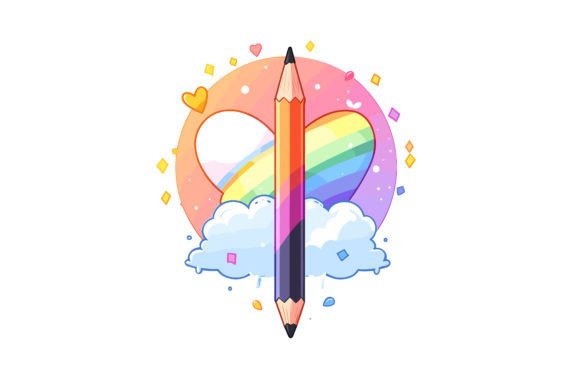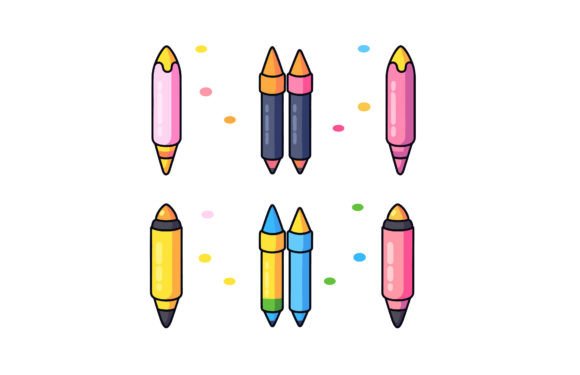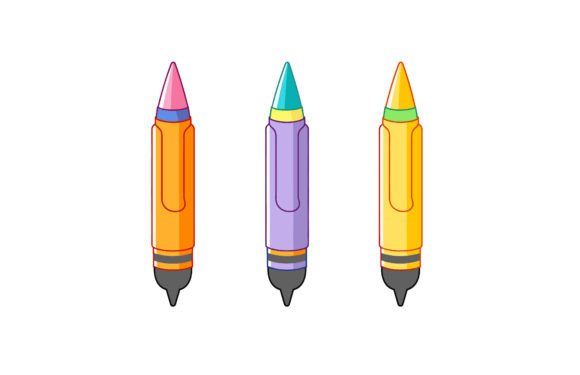
Colorful Pencil Flat Illustration
If you're designing back-to-school materials, educational websites, children’s book layouts, or playful brand assets, a Colorful Pencil Flat Illustration isn’t just decorative—it’s functional storytelling in vector form. This isn’t a generic clipart doodle. It’s a thoughtfully crafted, scalable, and production-ready asset built for real-world use—whether you’re a freelance designer updating a client’s learning platform, a teacher crafting classroom posters, or a small business launching a kids’ product line.
What Makes This Pencil Design Stand Out?
At its core, this Colorful Pencil Flat Illustration combines visual appeal with technical precision. Unlike raster-only graphics that blur when enlarged, it ships with both a high-resolution JPEG (4000×2584 px) and a fully editable EPS vector file. That means you can zoom into a textbook cover mockup or scale it across a 6-foot banner—without losing crispness or color fidelity.
The design features 100 distinct vector shapes. That level of modularity matters: each pencil segment, eraser, tip, and even the subtle shadow is its own path. You’re not stuck with preset colors—you can recolor individual elements in Illustrator or Affinity Designer to match your brand palette. Want warm yellows for a summer camp brochure? Cool teals for a STEM workshop? Done in seconds—not hours.
Real-World Uses Across Roles and Industries
Educators and curriculum designers use this illustration to add warmth and approachability to lesson plans, digital worksheets, and interactive whiteboard slides. Because it’s flat and uncluttered, it doesn’t compete with text or diagrams—it supports them. One elementary school librarian told us she dropped the pencil into Canva, changed the tip to red, and used it as a “read-aloud reminder” icon beside storytime prompts. No design degree required.
Marketers and small business owners integrate it into email headers, social media carousels, and landing pages for tutoring services, homeschool co-ops, or educational apps. Its cheerful palette signals creativity and accessibility—key emotional cues when parents are evaluating learning tools. A language-learning startup recently used the vector to build a custom “start writing” animation loop for their onboarding flow. They kept the base shape but animated only the graphite tip—simple, memorable, on-brand.
Freelance designers and publishers appreciate how cleanly it layers into complex compositions. Since all strokes are vector-based (no embedded raster effects), it aligns predictably with grids, respects transparency settings, and exports flawlessly to PDF/X-4 for print. One children’s book illustrator uses it as a consistent motif across chapter dividers—swapping out one colored pencil per section to subtly reinforce thematic shifts (e.g., green for nature chapters, orange for activity pages).
Why Scalability and Editability Aren’t Just Buzzwords
“Easy to edit and scalable” sounds standard—until you’ve tried resizing a low-res PNG and watched edges pixelate mid-presentation. Or spent 20 minutes manually tracing over a flattened JPG to change one color. This Colorful Pencil Flat Illustration eliminates those friction points. The EPS format preserves every anchor point and Bezier curve, so you can adjust stroke weight, round corners, or isolate components without degradation.
And because it arrives compressed in a single ZIP file—compatible with WinRAR, WinZIP, or even macOS’s native Archive Utility—you skip the clutter of scattered downloads. Double-click, extract, and go. No registration walls, no watermarks, no hidden layers locked behind a subscription.
Practical Tips Before You Use It
- Check your software compatibility. EPS works natively in Adobe Illustrator, CorelDRAW, and Affinity Designer. For Photoshop users: open the EPS via File > Place Embedded, then right-click → “Convert to Smart Object” to retain scalability.
- Test color contrast early. While the default palette is vibrant, verify legibility if placing text over parts of the illustration—especially on digital screens with variable brightness. A quick opacity tweak or soft mask often solves it.
- Think beyond the pencil. The 100 vector shapes include segmented barrel sections, angled tips, and stylized erasers—many of which work independently as abstract accents. Try rotating the eraser 45° and using it as a bullet point, or stacking three pencil tips as a minimalist progress bar.
- Respect usage context. This is a design asset—not a licensed character or trademarked mascot. It’s ideal for internal materials, client projects, and commercial products where illustrations support your message—but always review your platform’s terms if distributing templates or themes publicly.
A Thoughtful Tool, Not Just Another Download
Good design assets earn their place in your workflow by saving time *and* elevating output—not by looking flashy in a thumbnail. This Colorful Pencil Flat Illustration does both. It’s built for clarity, not clutter; flexibility, not fragility; and human-centered use, not technical showmanship.
Whether you’re sketching wireframes for an edtech dashboard, prepping printable flashcards, or refreshing a blog’s visual voice ahead of the new school year—the consistency, color harmony, and clean geometry make it feel intentional, not incidental. And because it adapts instead of resisting, it grows with your needs: tweak it for a kindergarten newsletter today, repurpose it for a university outreach campaign tomorrow.
That’s the quiet value in well-made vectors: they don’t shout. They serve. And when your deadline’s tight and your audience matters, serving well is everything.